
Verified configuration
Browser kitchen and pickup displays
Use a browser to display kitchen tickets or pickup numbers.
Register or display · Browser
Equipment
Check connections, setup requirements, and compatibility before choosing equipment for your branches.
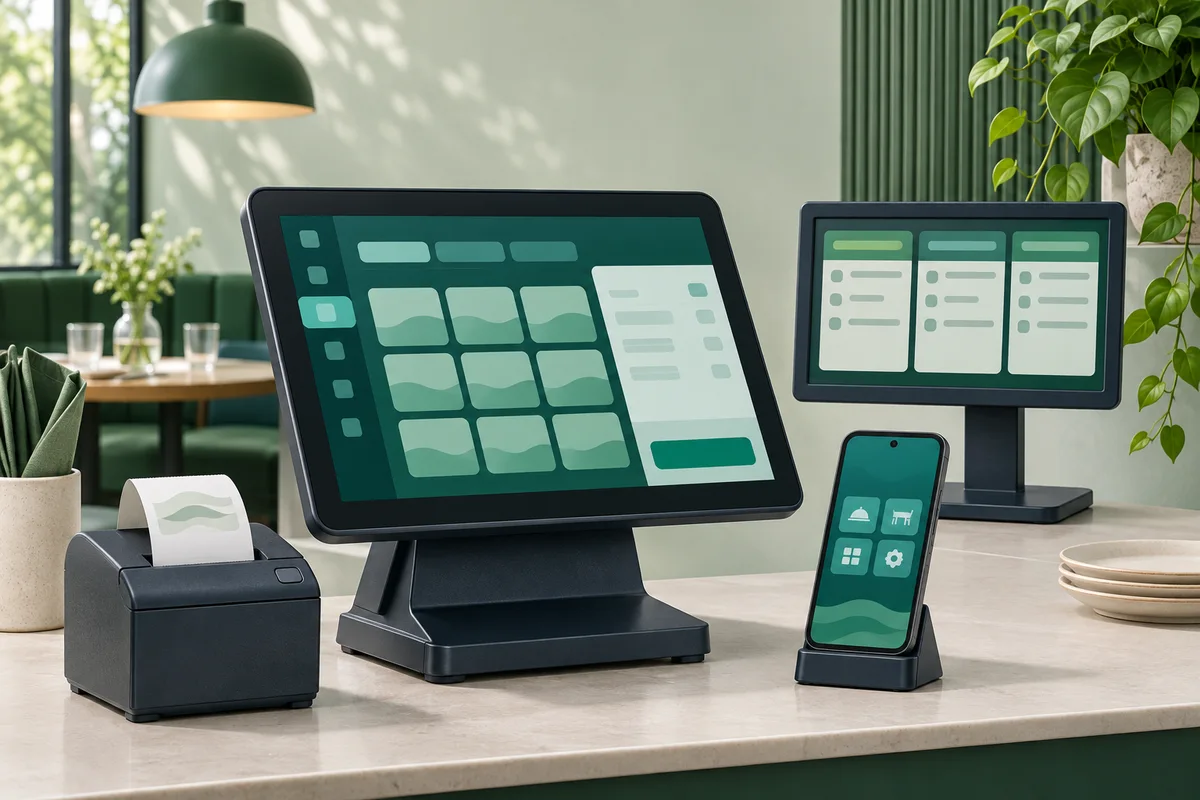
Choose equipment according to the job, the branch network, and the exact device model.
9 results
Use a browser to display kitchen tickets or pickup numbers.
Register or display · Browser
Use the venue’s pager transmitter to call guests.
Guest pager · Radio transmitter
Use a compatible network thermal printer for station tickets or receipts.
Printer · LAN
Use the venue’s pager transmitter to call guests.
Guest pager · Radio transmitter
Open the assigned drawer for eligible cash transactions.
Cash drawer · USB
Use the venue’s pager transmitter to call guests.
Guest pager · Radio transmitter
Use a paired terminal through the Square integration during a merchant test.
Payment terminal · Provider terminal
Rehearse integrated payment with a paired Stripe test reader.
Payment terminal · Provider terminal
Print through a branch workstation when the printer uses USB.
Printer · USB
Talk to PosiDine
Tell us about your locations, service flow, and equipment.