
PosiDine live demo
Maple & Main Kitchen
Run a service at King Street or Riverside, or switch between both locations in Management. Orders, payments, and customer details in this demo are for rehearsal.
Each interface opens in a new tab.
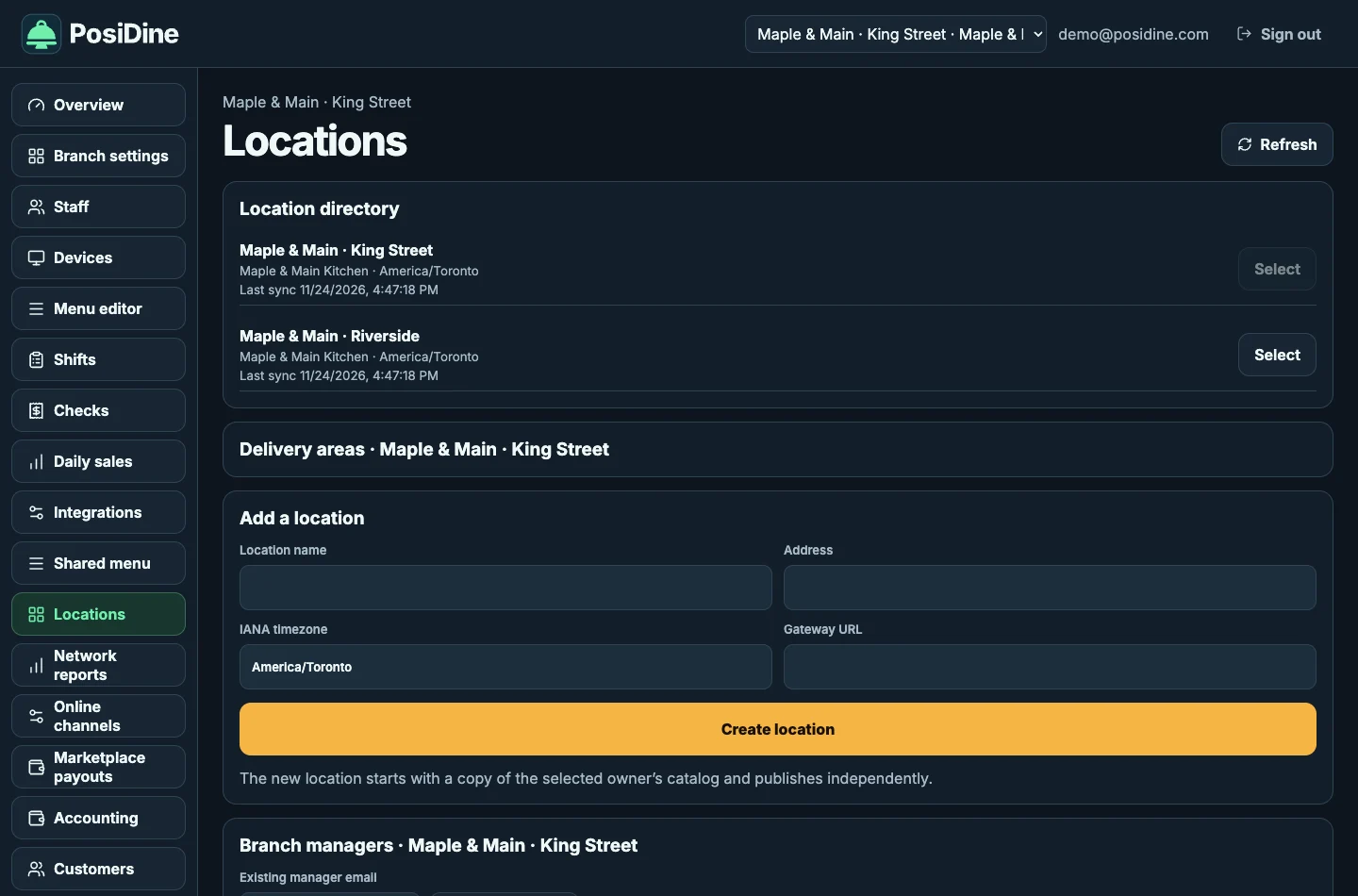
Locations
King Street
Riverside
Sign in and enroll a device
Use the credentials in your private demo handoff. In Management, select a location and open Devices to issue a code for your POS, kitchen display, or Android waiter device. Guest menus open without sign-in.
Android waiter
Install the signed PosiDine Waiter app, select your location, enter its enrollment code, then sign in with the waiter PIN.