

Accounting and marketplace integrations
Review daily sales, drawer reconciliation, payment evidence, and proposed accounting entries.
Software catalogue
See how each part of PosiDine works, from the first order to the end-of-day close.
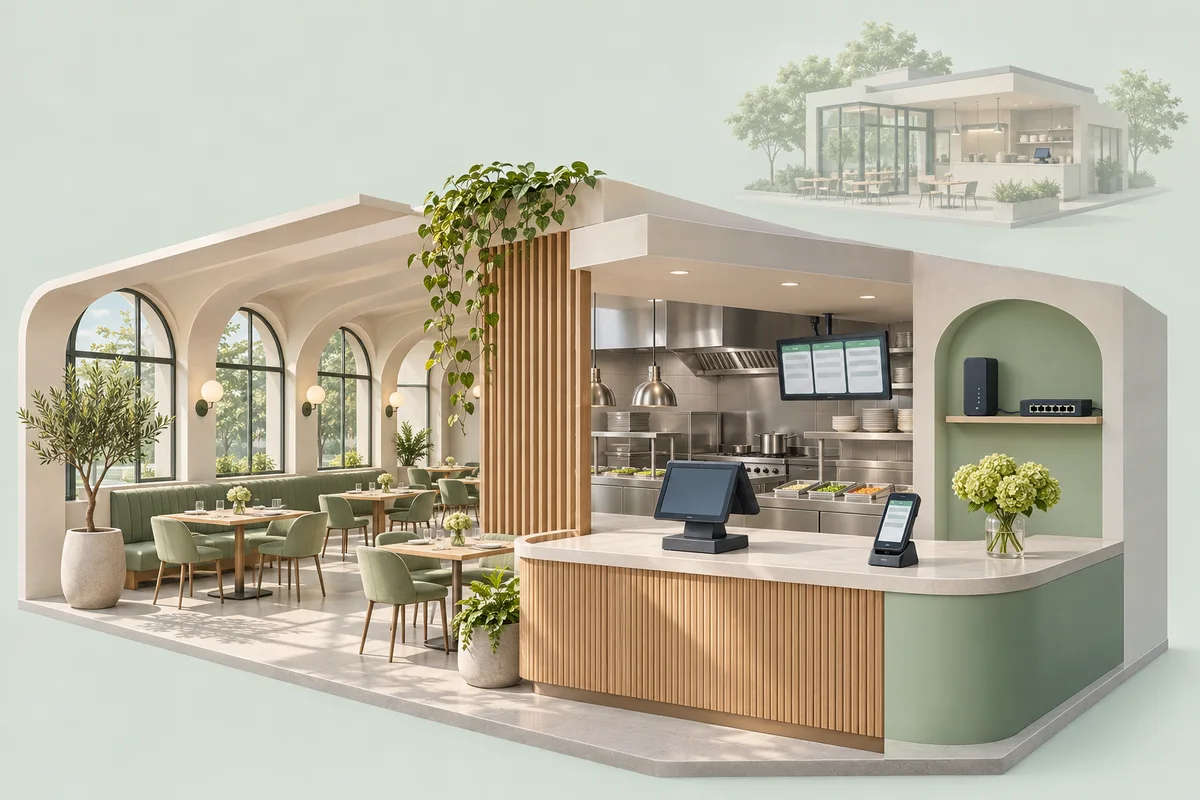
Branch gateways keep service and kitchen work local. Head office publishes configuration and reviews activity across locations.
Enter a counter, table, or phone order at the serving branch.
The branch gateway routes the items to the assigned station.
Staff check readiness and hand the order to the guest or driver.
Review checks, payments, refunds, and drawer activity before posting.
8 results
Review daily sales, drawer reconciliation, payment evidence, and proposed accounting entries.

Take table orders on an enrolled Android device and send them to the correct kitchen station.
Register walk-in and phone guests, manage recognition preferences, and keep catering inquiries organised.

Send each item to the station that prepares it and show guests when their pickup number is ready.
Manage menus, staff access, devices, hardware assignments, and reporting from one back office.

Take a phone order, route delivery to an eligible branch, and schedule the kitchen release for pickup or handoff.

Build counter orders and table checks, send courses, take payments, and keep a clear record of every adjustment.

Publish a shared menu with branch-level differences, dish photos, recipes, and guest-facing food notices.
Talk to PosiDine
Tell us about your locations, service flow, and equipment.