
ESC/POS-compatible · Serial-identified USB printer
USB · Requires qualification
Assignment and setup
Bind the printer to an enrolled workstation agent and terminal. Pair the PosiDine hardware agent, confirm the stable USB identity, and test the output.
Compatibility record
PosiDine branch hardware guide · USB workstation agent
Reviewed Nov 24, 2026
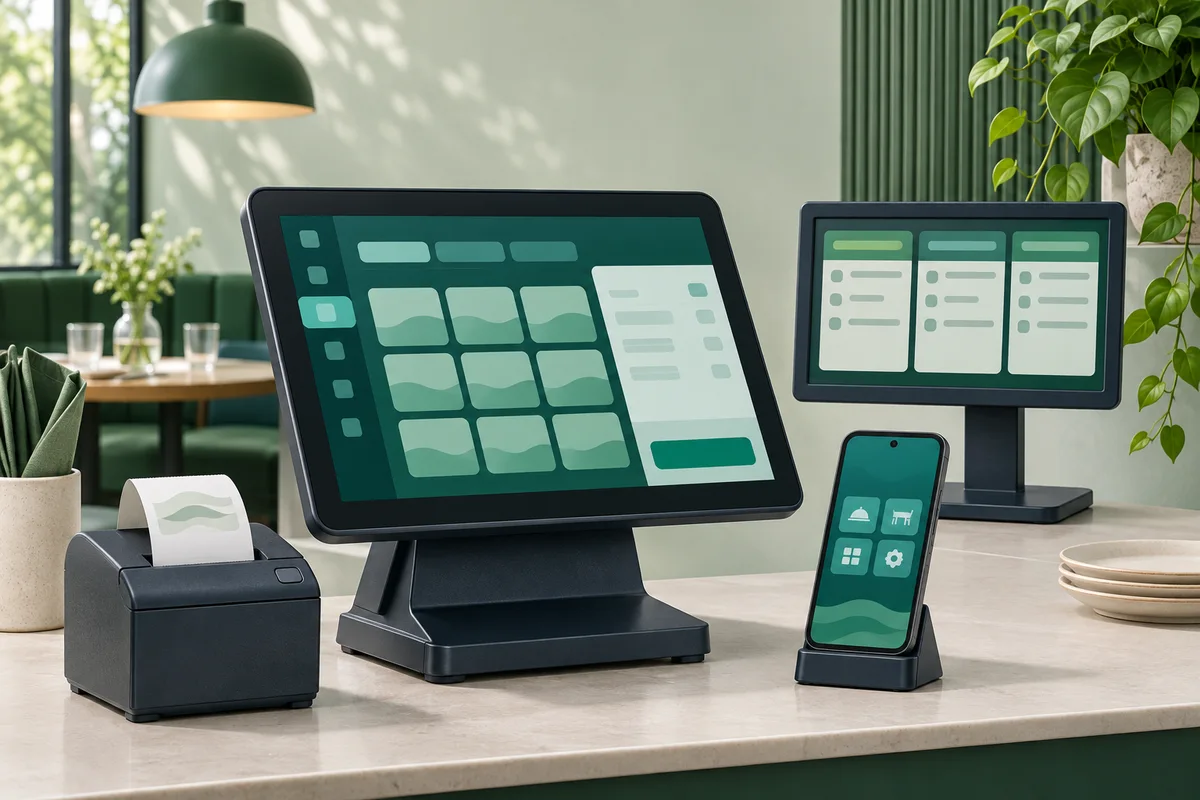
Pair a USB printer through the workstation agent
- Prepare the host
Install the branch hardware agent on a supported Linux or Windows workstation and configure the required local device access.
- Pair and bind
Use a one-time agent code, select the reported printer endpoint, and assign it to the terminal or kitchen.
- Test the connection
Confirm the serial-bound identity, print a test receipt, and rehearse unplugging and reconnecting the printer.
What to verify before service
- Linux uses libusb with access to the qualified printer’s serial-bound endpoint.
- Windows uses a local RAW queue and the verified device instance. Configure Epson OPOS separately where needed for a drawer.
- Repeat qualification when replacing a printer, host, or queue.
Keep the connection settings and pairing codes within the restaurant’s management setup. Check the assigned branch and device before rehearsing the workflow.